Downloads
RTSS Overlay
Bored Of Tech Stats Overlay
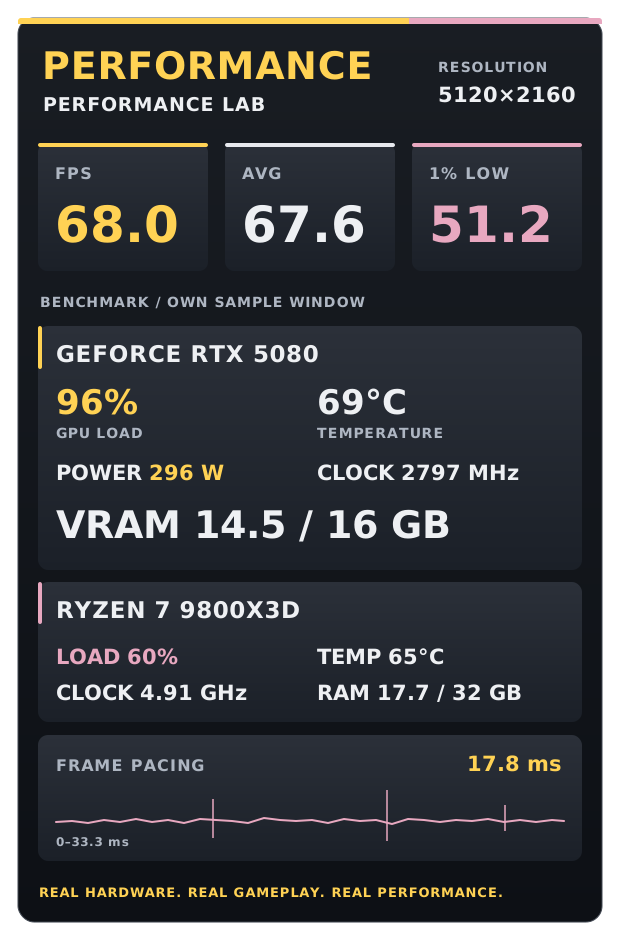
Download the RTSS performance stats layouts in 40%, 60% or 80% opacity. Install RTSS, extract the ZIP, then open Plugins → OverlayEditor and load your chosen .ovl file from the Templates folder. Position the overlay to suit your screen. The CPU temperature reading uses AIDA64 in these layouts, but you can change its data source to MSI Afterburner in OverlayEditor. If you find this useful and would like to support my efforts, you can buy me a coffee!